AICOURSEBYHELENKOTENKO AICOURSEBYHELENKOTENKO

AI can generate everything.
Except taste.
Join the waitlist
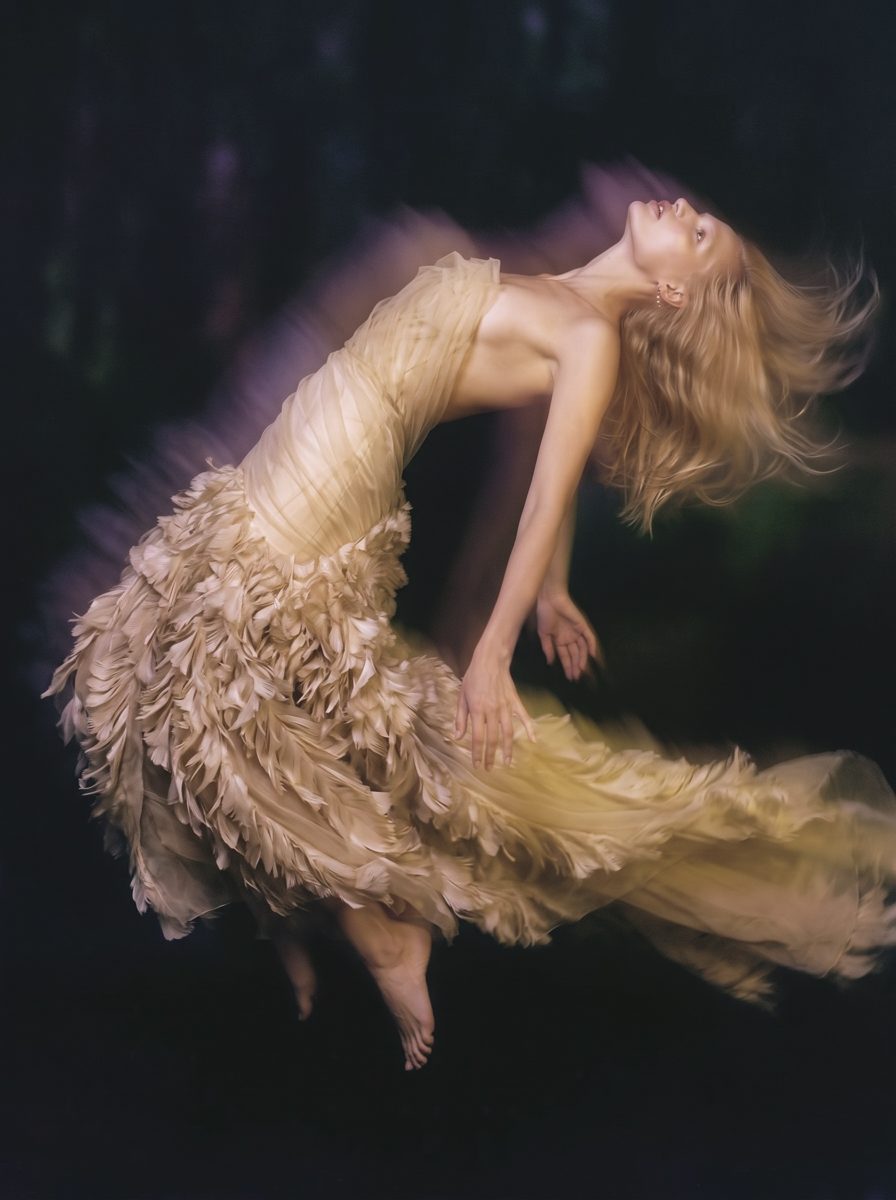
Woman in a feathered gown flying backwards, hair in motion, on a dark background
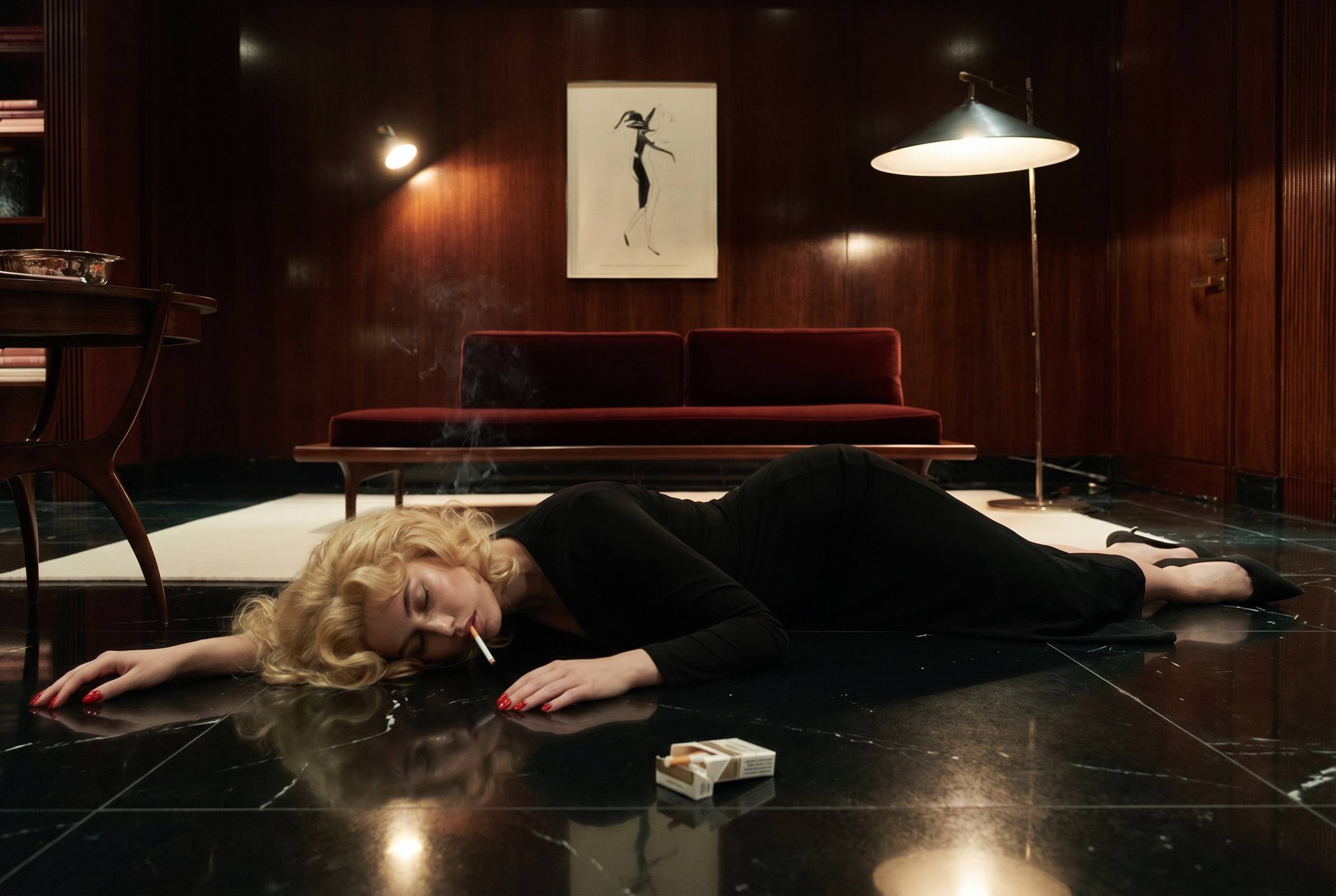
Woman in a black dress lying on a marble floor with a cigarette in a wood-panelled room

Program

3 modules16 lessons2 bonus guidesWhatsApp groupHomework
assignments
Final project4 weeksLive Q&A

(tap to open)

1
Creativity
& basics
Result

After this module you'll have your own personal style in AI generations, know where to find ideas no one else is using, understand the photography basics, and know how to put all of it into your prompts.

Intro lesson
1 · Creative methodsThe methods art directors use to come up with original ideas, far beyond Pinterest.
2 · Developing your visual styleFind what makes your images recognizable and turn it into a style people know at first glance.
3 · Photography basics: composition, light & colorWhy most AI images look flat, and how to make a frame look expensive.
4 · Prompting
Extra materials:

PDF notes for every lesson +

  • Aesthetics guide
  • Light guide
  • Camera guide
  • Pose guide
  • Composition guide
  • Colour guide: film stocks, colour grade, texture
Interactive tools:
IDEA MACHINEPull an endless stream of ideas for any project. The claw picks 2 things that don't belong together, and your mind learns to connect them.
TASTE MATCHSwipe through looks and match with your aesthetic. Then open it up in the Aesthetics guide and start generating in it.
PROMPT CONSTRUCTORBuild any prompt piece by piece. Tap a pose, a light, a camera angle, a composition and a colour, and the prompt writes itself. Your personal prompt studio, built from every guide in the course.
2
Image
& character
Higgsfield Soul · Seedream · Nano Banana · Midjourney
Result

After this module you'll have your own AI character and a finished series of photos of yourself in your style: your light, your locations, your looks. You'll know which AI to use for what, and how to combine them in one frame.

Intro lesson
5 · Creating your AI character · Moodboards
6 · Building the frame: Seedream & Nano Banana
7 · Midjourney
8 · Creating other characters & supporting cast
9 · Creating a photo series
10 · Fixing details
Bonus guide · How to connect Higgsfield to ChatGPT & ClaudeGenerate images and videos straight in the chat.
Extra materials:

PDF notes for every lesson +

  • Master prompt for image generation on Higgsfield
  • Master prompt for Midjourney
Interactive tools:
CASTING BOOTHSomeone is waiting behind the curtain. Call the next one in, and a card prints out who they are: your next character, ready to cast.
SPOT THE FLAWTake the loupe and hunt for AI artifacts: an extra finger, melted jewellery, a broken shadow. Train the eye that makes your images look real.
3
Video
& editing
Dreamina Seedance · Suno Music · ElevenLabs · CapCut
Result

After this module you make reels without a camera, a crew or a location. You film yourself at home, and AI moves you anywhere, in any outfit, from any angle. You repeat any trend without filming and edit it into a reel no one can tell from a real shoot.

Intro lesson
11 · Think like a directorShot sizes, 15 camera moves, cuts that connect, colour in the story, and your first script with a shot list.
12 · Short AI videosYour frames come to life: video from one photo or from several shots, with the master prompt.
13 · Long AI videosHow to build long videos, scene by scene.
14 · Video editing with AIChange the outfit, the hair, the location and the camera angle of a video you filmed. Your face and your movement stay.
15 · Reproducing any trendHow to repeat any trend video with yourself in it, without filming.
16 · Editing & AI audioReal footage and AI in one reel, AI voice and AI music.
Bonus guide · HooksHow to hold the viewer in the first seconds of a video.
Extra materials:

PDF notes for every lesson +

  • Master prompt for video generation
  • Master prompt for video editing
Interactive tools:
PREVIZ MONITORA director's monitor for your frame. Upload a frame and try camera moves on it before you spend a single credit. Previs is how film directors plan their shots before the shoot.
SOUND JUKEBOXDrop a coin into the jukebox and hear the same clip turn calm, dangerous or romantic. Find the music your video needs.
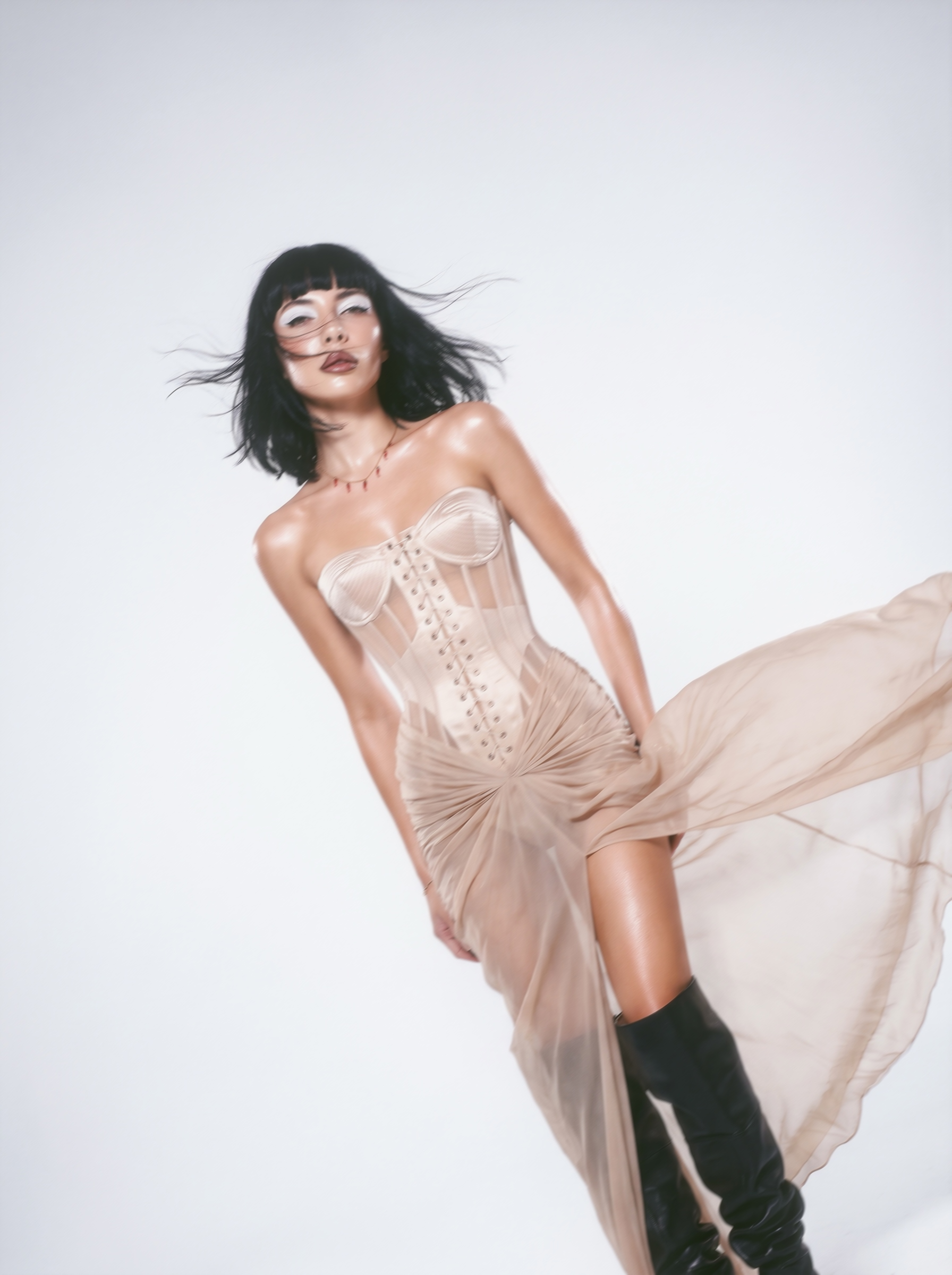
Helen Kotenko in a nude corset gown and black boots, hair and skirt blown by wind

17 years in fashion taught me
how an image sells. I started
as a model, worked as a visual

Helen Kotenko signature

merchandiser at
Zara, then as a
stylist and
content creator.

Today I create AI campaigns
and content for fashion brands,

and the same approach to content
brought 15,000 new followers
to my own Instagram in one month.

I built this course the way I would want to take it myself. That is why so much of it is about the idea: tools change every month, but a strong idea is what makes content work.

Results

Early price
€399 €499
  • 3 modules
  • 16 lessons
  • 2 bonus guides
  • WhatsApp group
  • Homework assignments
  • Live Q&A

Get a free piece of the course before it starts: the Taste Match game and the Aesthetics guide, in the same format as everything inside.

Ques
tions

When does the course start?+

The course starts on 30 November 2026. Three weeks of lessons, and the final project falls over the holidays, so you have more time for it.

Do I need a computer?+

Not necessarily. You can generate from a tablet or even a phone. A computer simply gives you a bigger screen, so choose whatever feels more comfortable for you.

Which subscriptions will I need?+

Higgsfield, Midjourney, and Claude or ChatGPT.

I've never used AI. Is that a problem?+

Not at all. The course is made for those who have never used AI, or have only tried it a little. We start from zero.

What language is the course in?+

The course is in English. Feedback on your homework assignments I can also give in Russian, Ukrainian, Italian or Polish. When you send your homework, just tell me which language you prefer, or simply write to me in it, and I will reply in the same language.

How long is the course?+

4 weeks. Three weeks of lessons, and the fourth week to complete your final project.

What happens after payment?+

You receive an email confirming your payment. Before the start you get access to the lessons and an invitation to the WhatsApp group.

Can I pay in installments?+

Yes, you can split the payment into two parts: the first when you join, the second two weeks later. Choose this option at checkout, and the link for the second payment will come to your email.

Will I be able to work with brands after the course?+

The course is focused on working with a real person and developing your own style. It gives you enough to work directly with personal clients and influencers, develop a style for someone, or do art direction. We do not cover exact garment transfer, product shots or logos, but all the generation workflows will be in your hands.